Every size, one design
iPhone 6.9″, 6.5″ and 6.3″, iPad 13″, Android phone, 7″ and 10″ tablets. Move an element and it moves proportionally on every phone size; the tablet keeps its own layout.
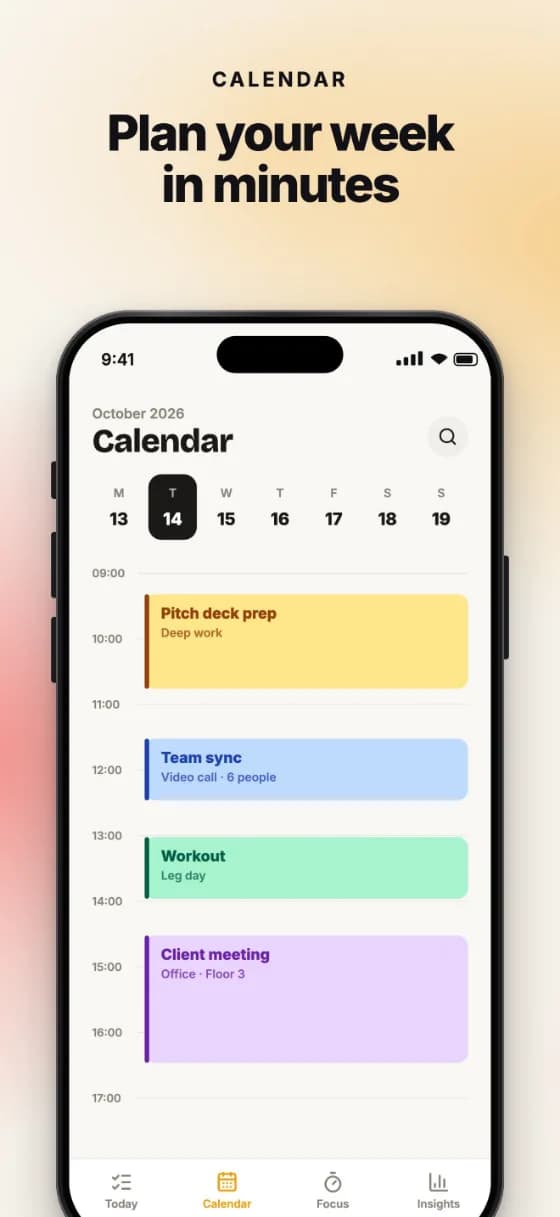


Drop in your app screenshots, pick a template, write your copy. Export every iPhone, iPad and Android size, in every language, in one click.
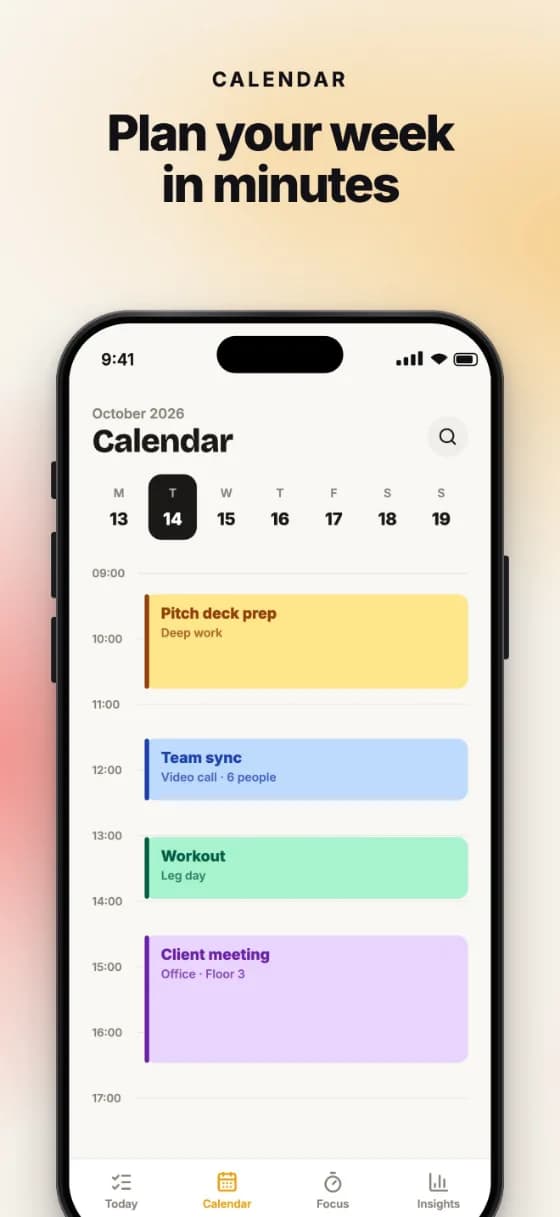
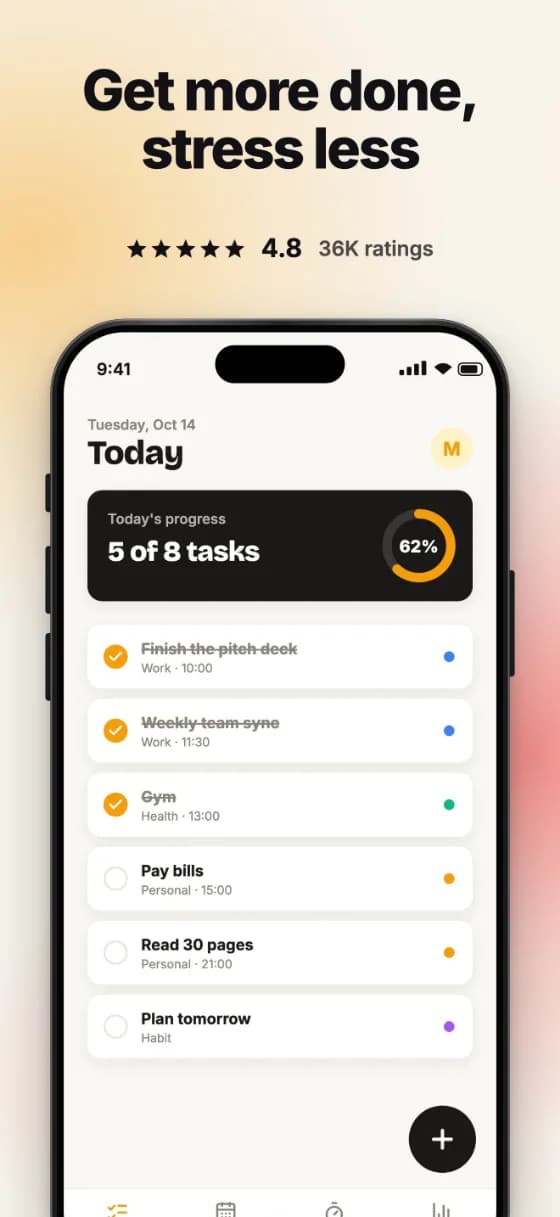

TEMPLATES
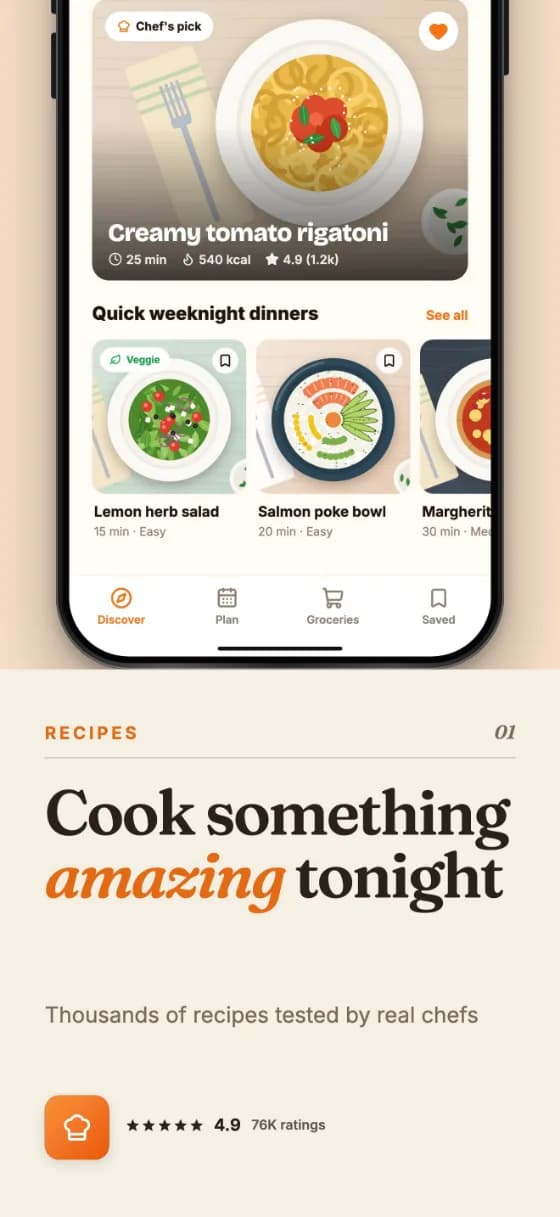
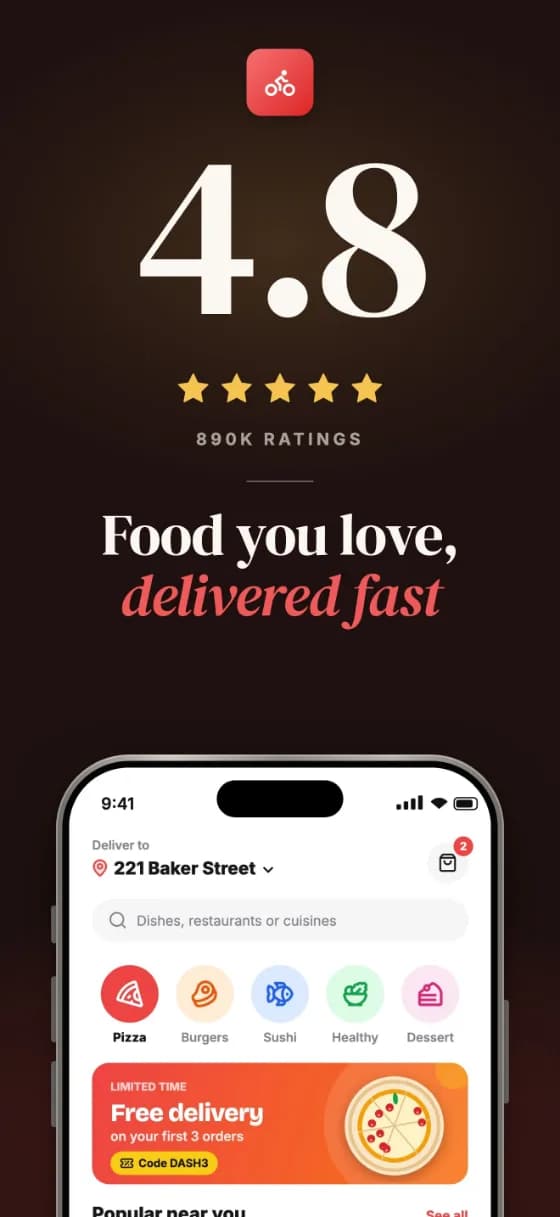
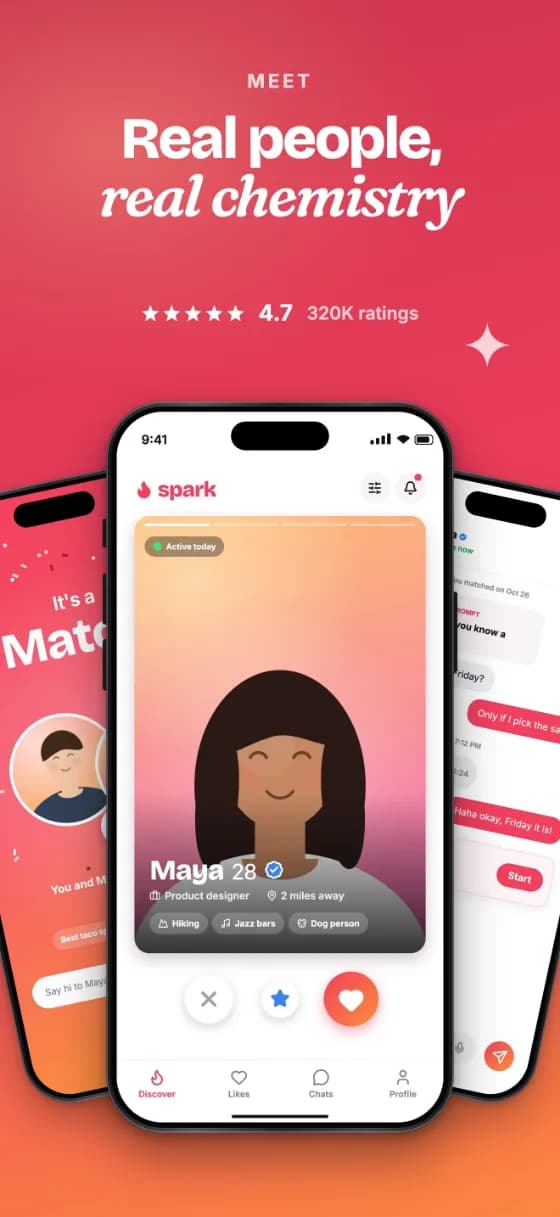
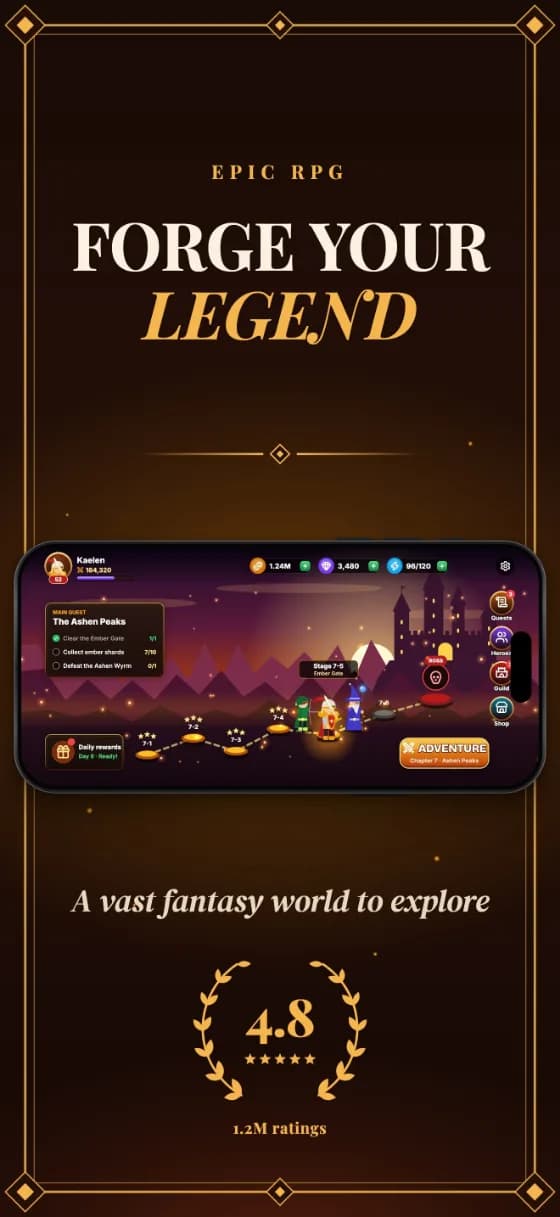
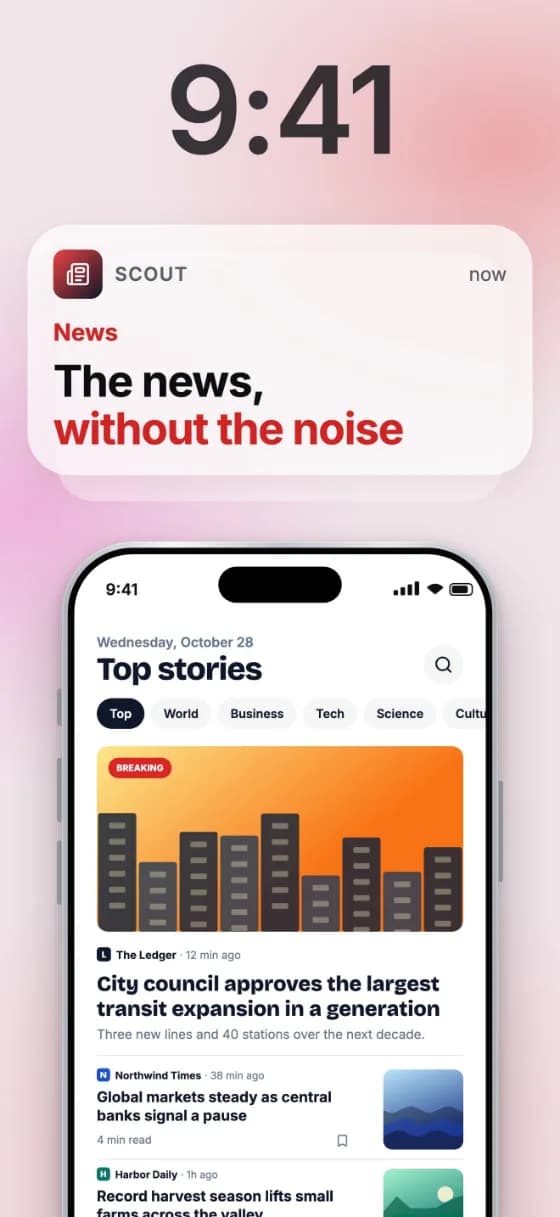
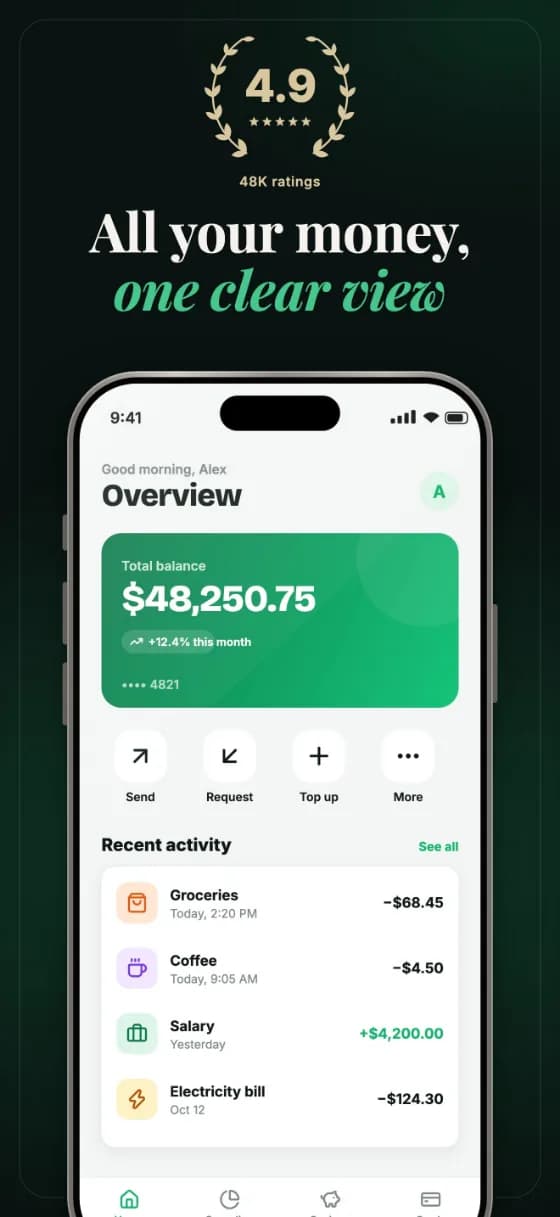
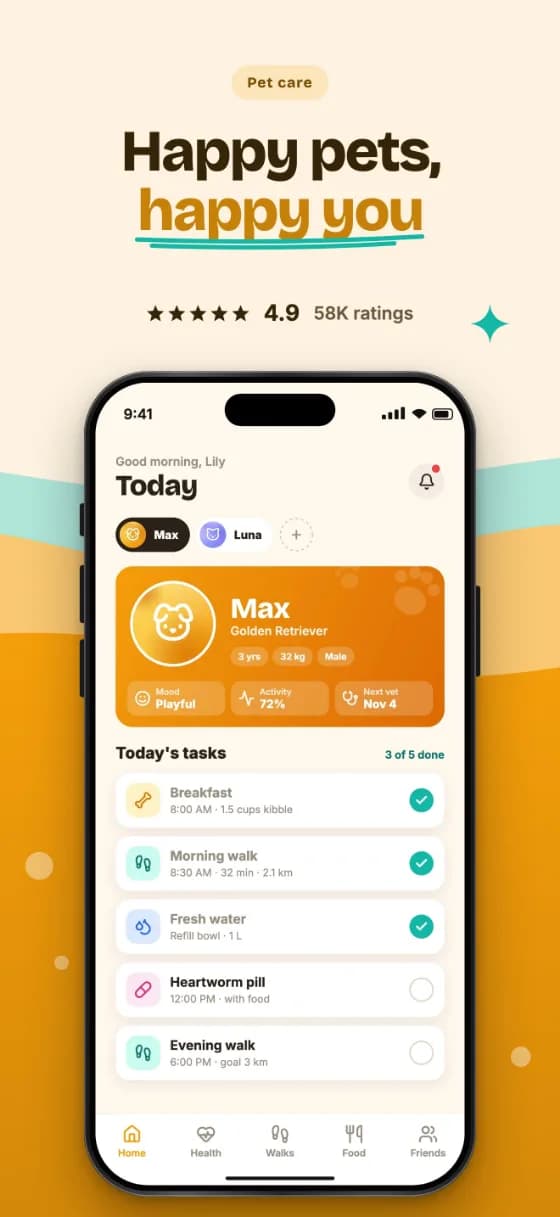
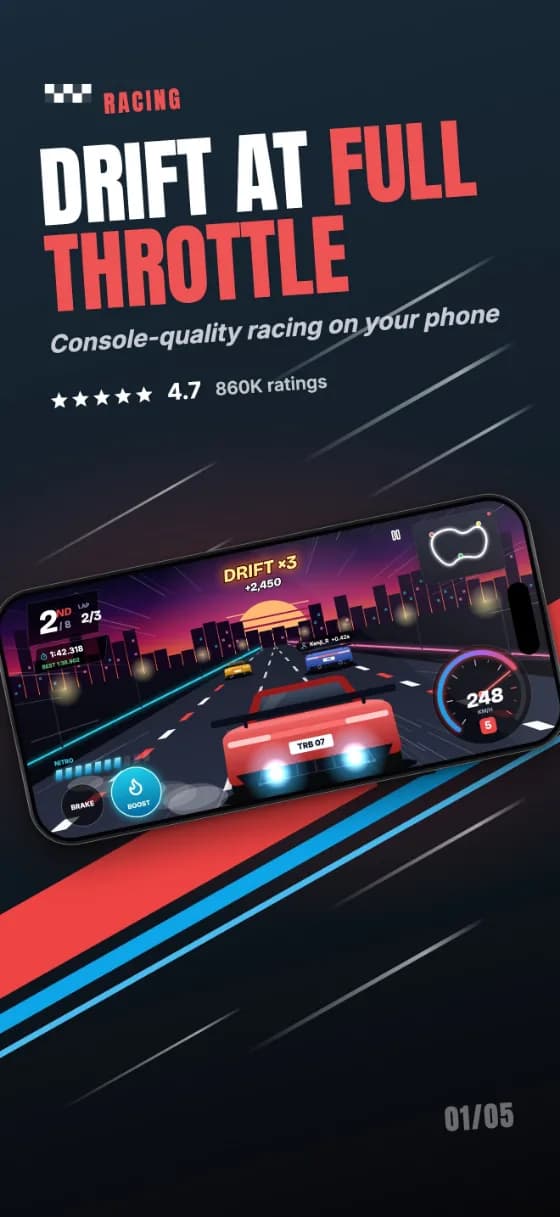
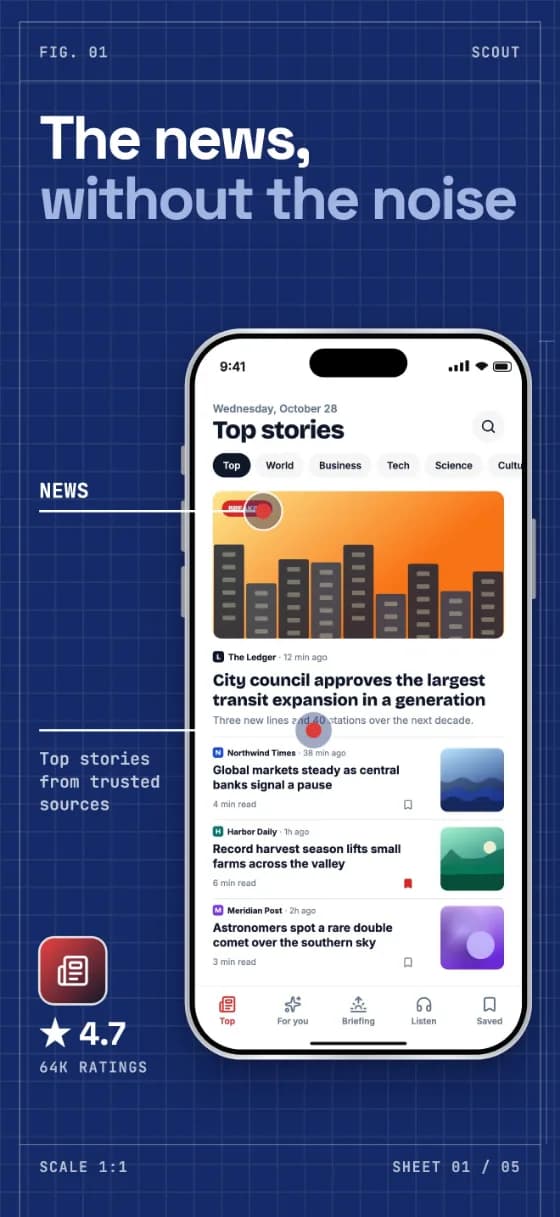
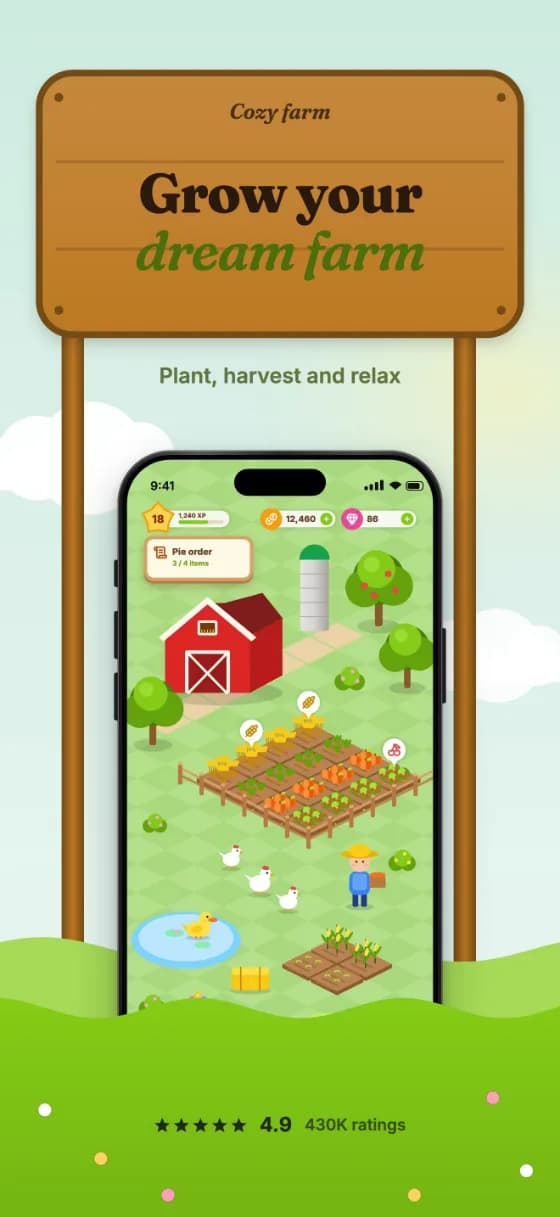
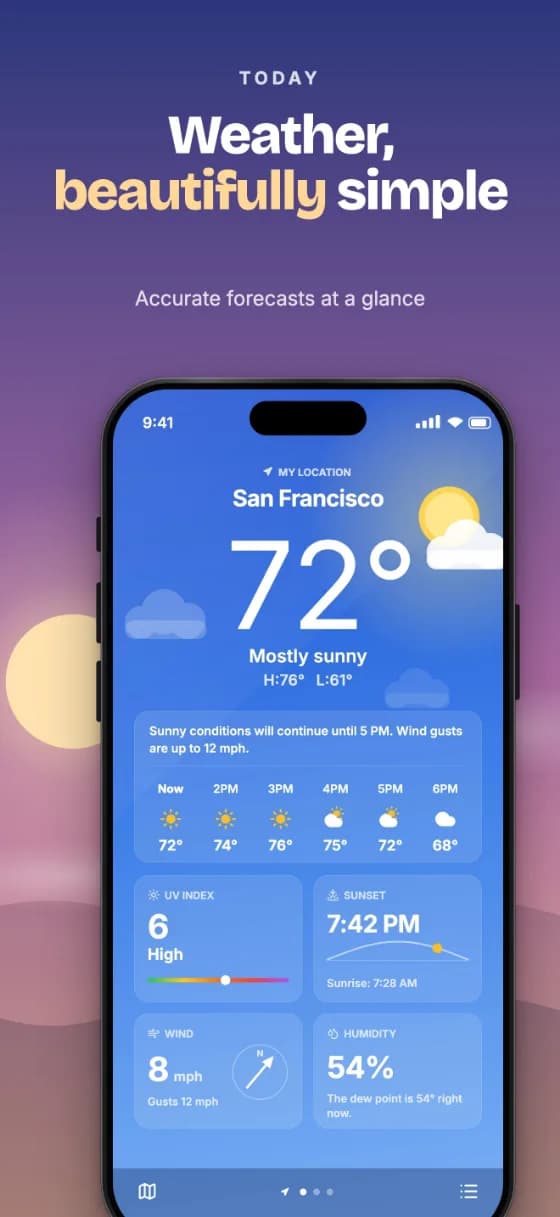
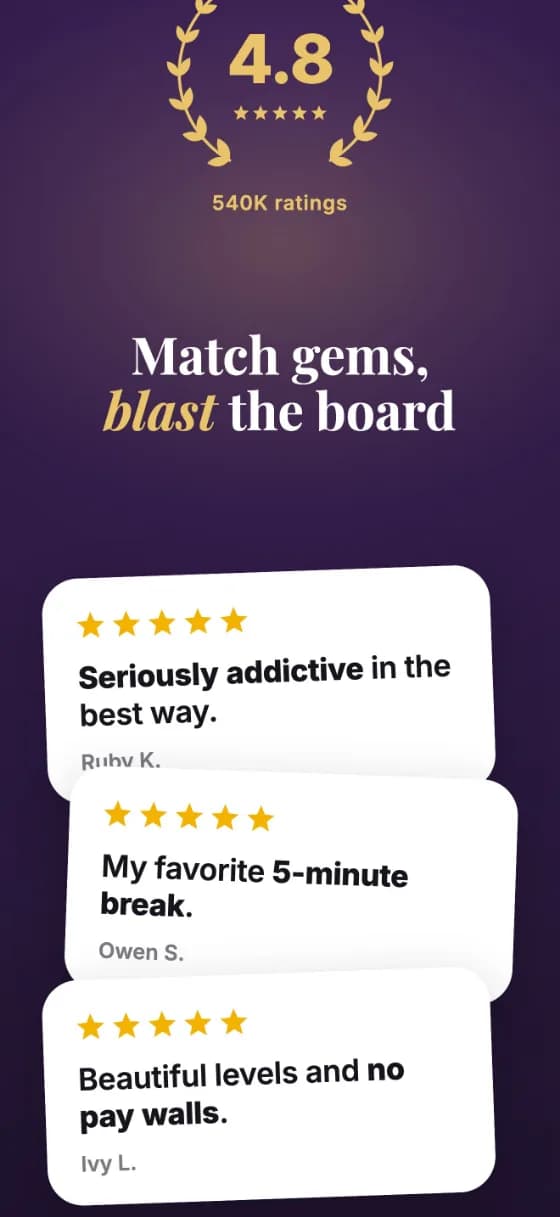
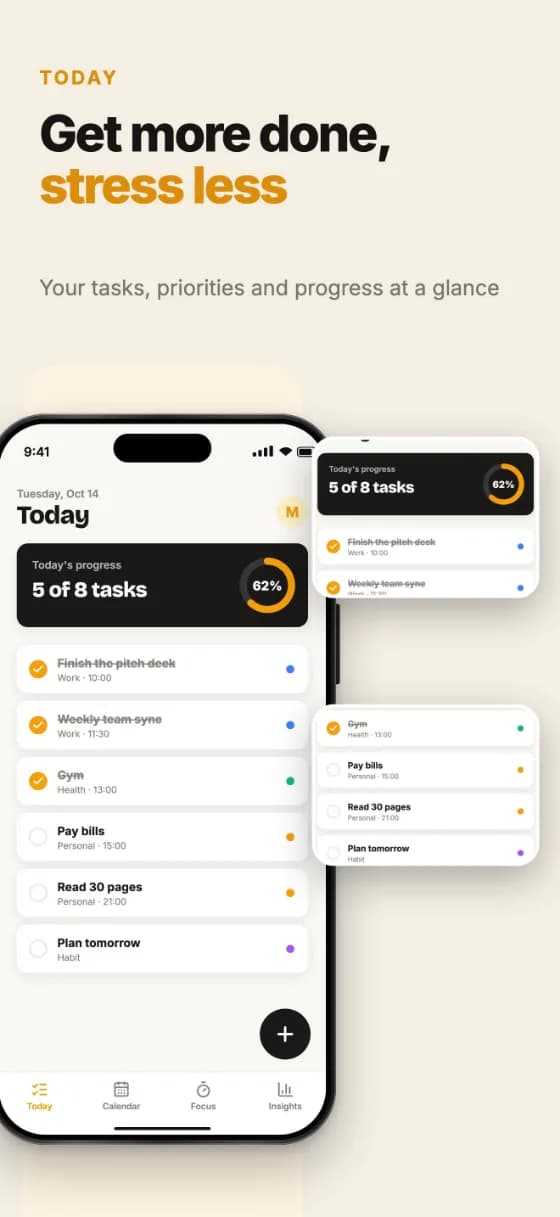
Every template recolors itself to match your brand and takes your app screenshots, copy and languages.
Browse all templates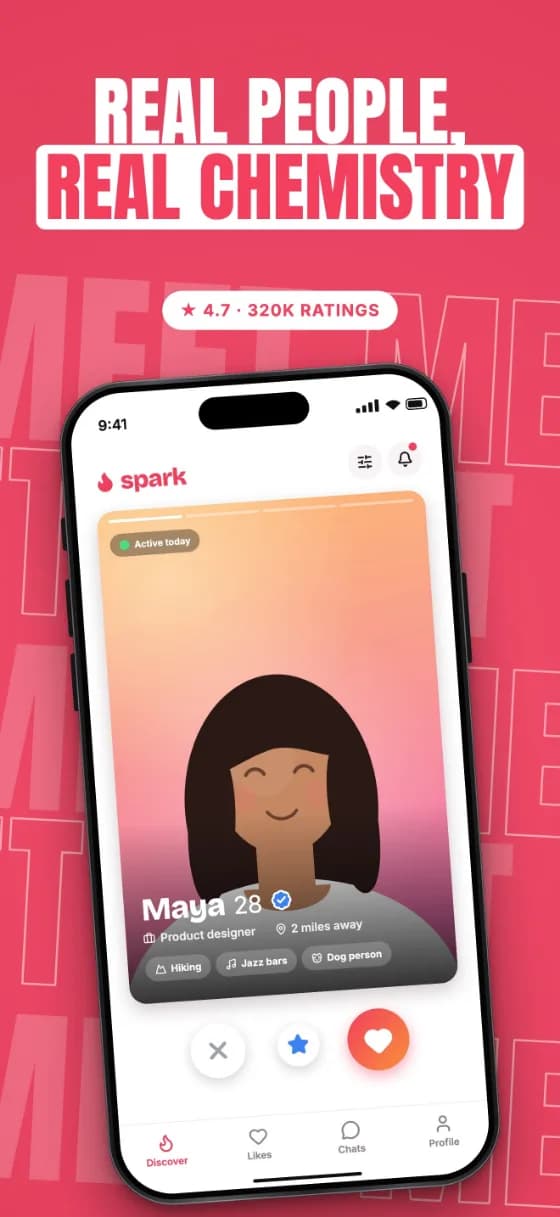



FEATURES
A real canvas editor with store-ready templates, realistic devices and every export size the stores ask for.
iPhone 6.9″, 6.5″ and 6.3″, iPad 13″, Android phone, 7″ and 10″ tablets. Move an element and it moves proportionally on every phone size; the tablet keeps its own layout.
All 50 App Store languages, from Japanese to Arabic, with AI translation on Pro. Long headlines — looking at you, German — shrink to fit, and we warn you when they still overflow.
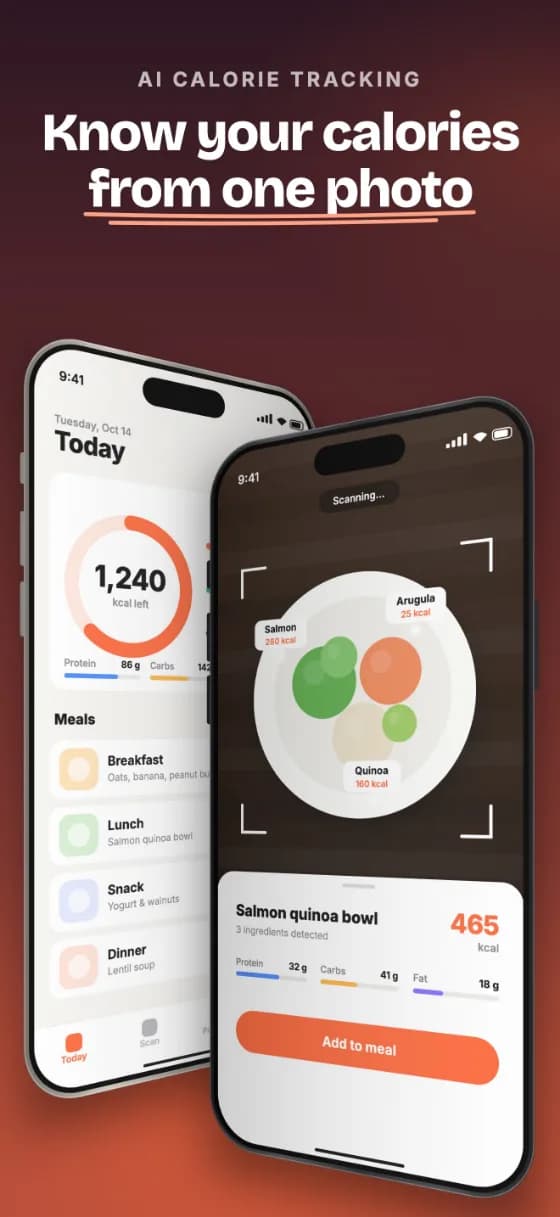
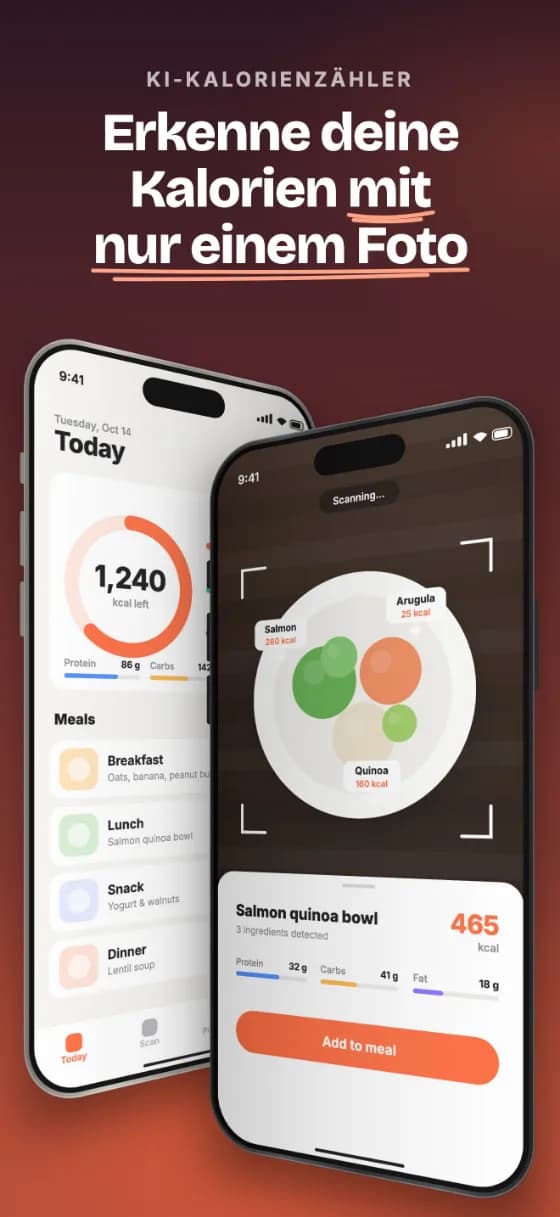
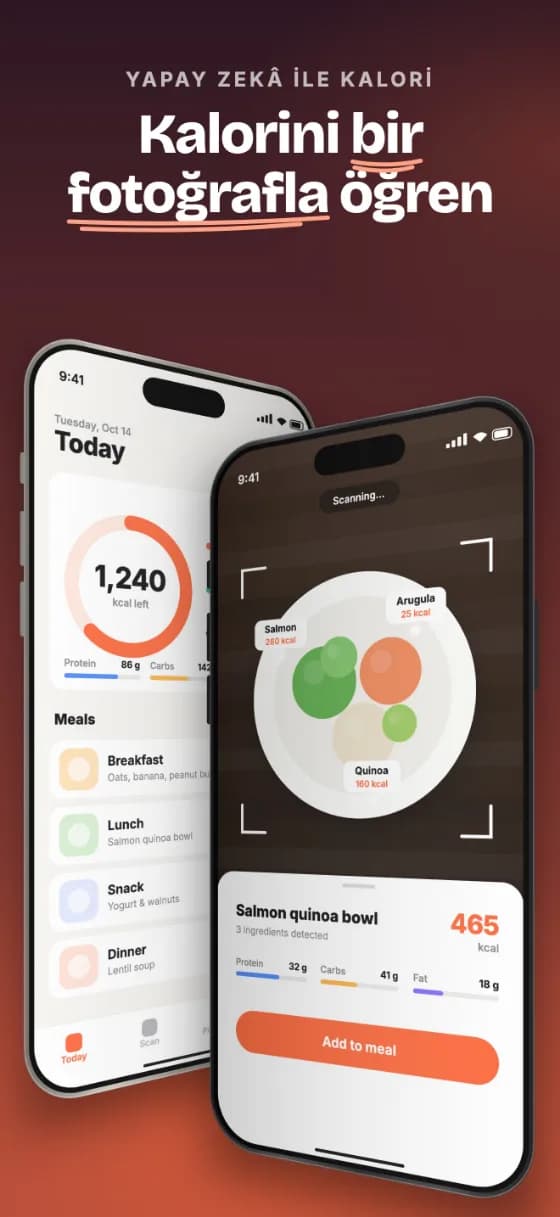
Select, move, resize and rotate right on the canvas. Double-click text to edit it in place. Undo is always one click away.
iPhone, Android and iPad frames with metal finishes. Tilt the device in 3D and match the frame color to your brand.
Laurel rating badges, star rows and review cards put social proof on your very first screenshot.
Text, shapes, labels, arrows, sparkles or your own stickers. Reorder layers, duplicate, hide.
Pick your primary color. Glows, highlights and badges repaint themselves in matching tones.
Everything is rendered in your browser. No account needed; sign in only if you want your projects on every device.
HOW IT WORKS
From raw app screens to a full upload-ready set, without leaving your browser.
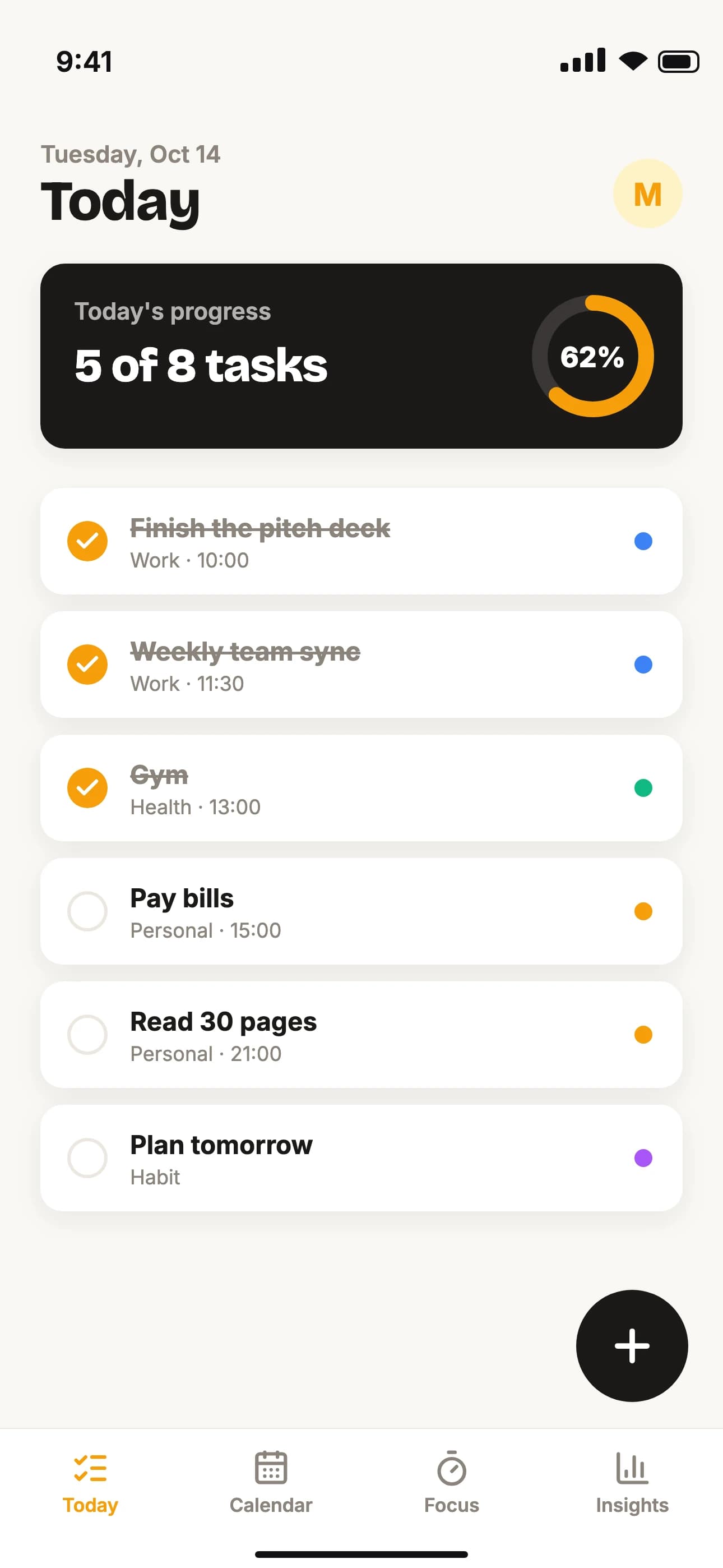
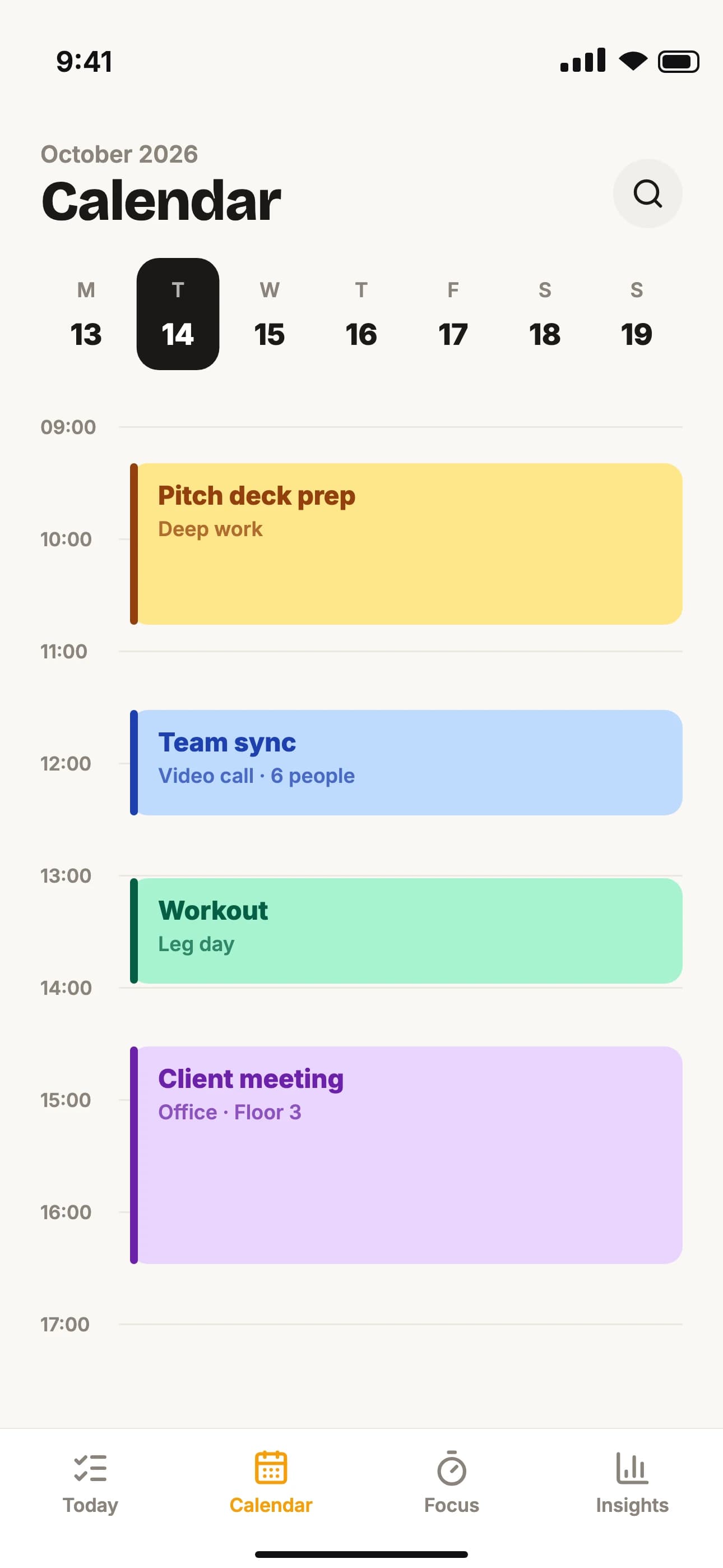
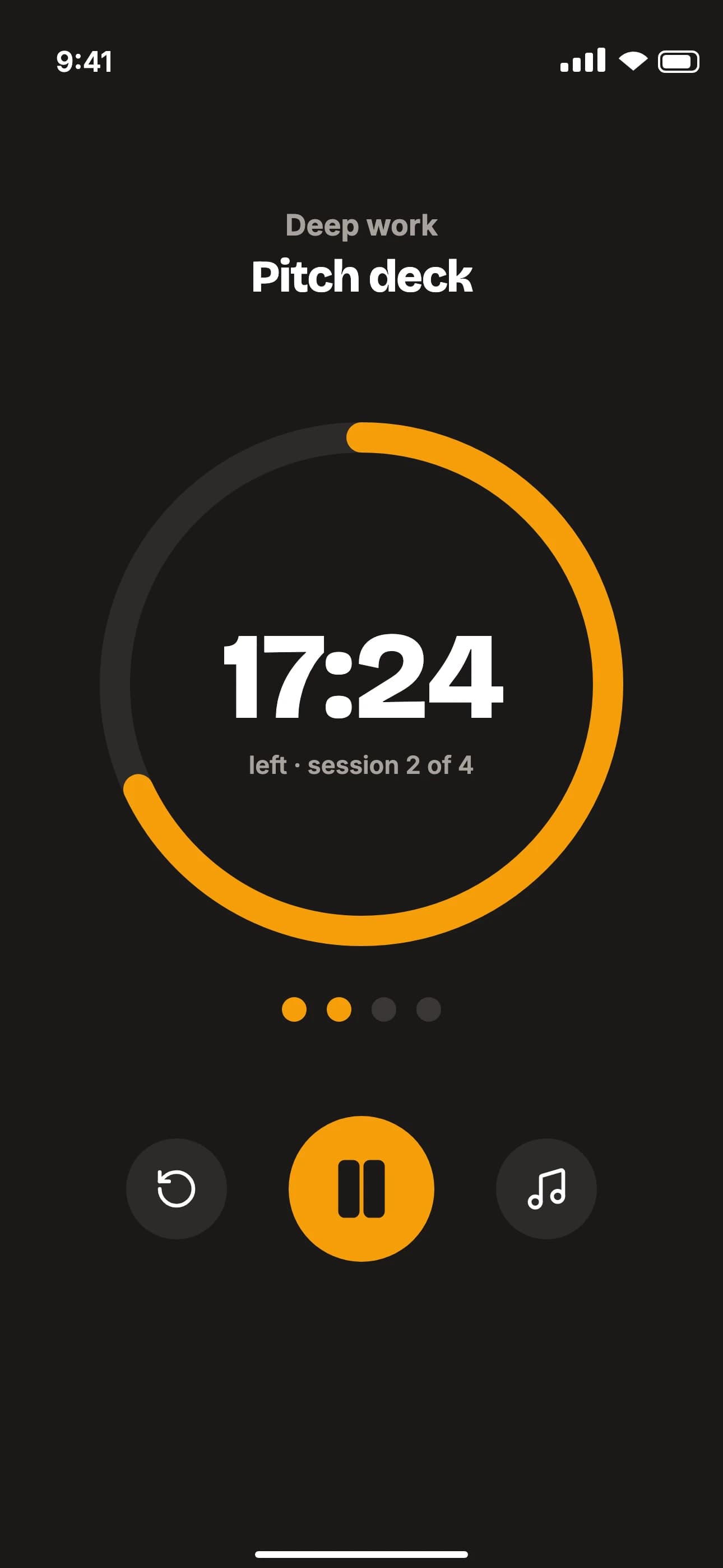
Drag and drop your app screens. Enter your app name and brand color.
Browse templates, write your copy, move things around and tune it to your brand. Add more languages.
Every device size and language lands in a single zip, sorted into language and device folders.
FAQ
You can open the editor and design with every template without an account. A free account saves your projects and downloads watermarked previews; Pro exports store-ready, full-resolution screenshots for every size and language.
For the App Store: the required iPhone 6.3″ (1206×2622), iPhone 6.9″ (1320×2868), iPhone 6.5″ (1284×2778) and iPad 13″ (2064×2752). For Google Play: Android phone (1080×1920), 7″ tablet (1200×1920) and 10″ tablet (1600×2560), plus the required feature graphic (1024×500). Files export as PNG or JPEG without an alpha channel, the way the stores want them.
Not unless you sign in. Without an account everything stays in your browser. Signed in, your projects are saved privately to your account, and Pro exports are rendered on our servers at full resolution, then deleted after an hour.
Projects save automatically in your browser. Sign in to also keep them in your account and pick up on any computer.
All 50 App Store languages, including Japanese, Chinese, Korean, Arabic, Hebrew and Hindi, with the right fonts, line breaks and right-to-left text. With Pro you add languages and translate every text with AI in one click, then fix anything by hand.
Yes. Every project is saved to My projects, in your account when you're signed in. To try another template, start a new project from the templates page; your saved projects stay as they are.
No sign-up, no install. The editor opens with a sample project — drop in your own screens and go.
Open the editor →